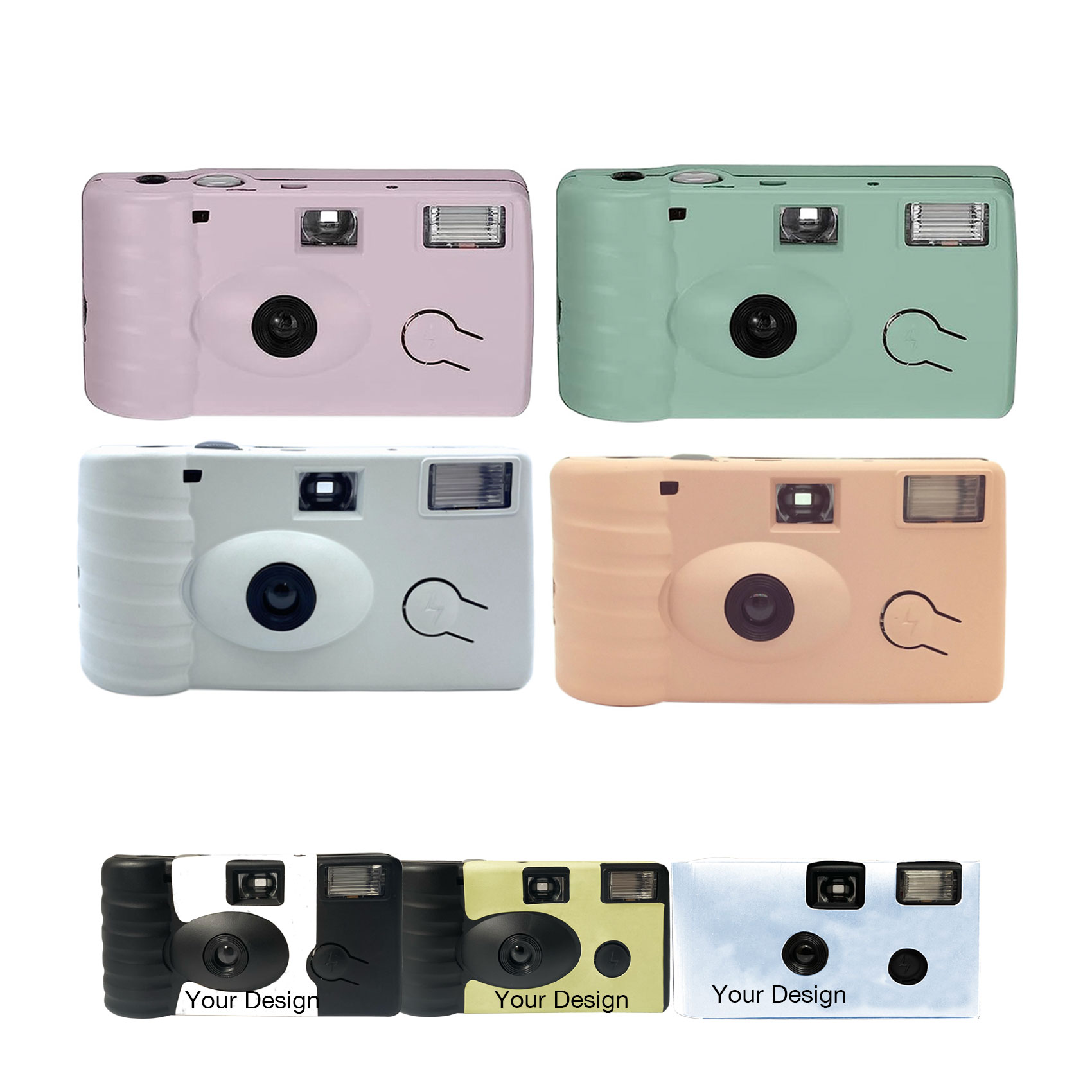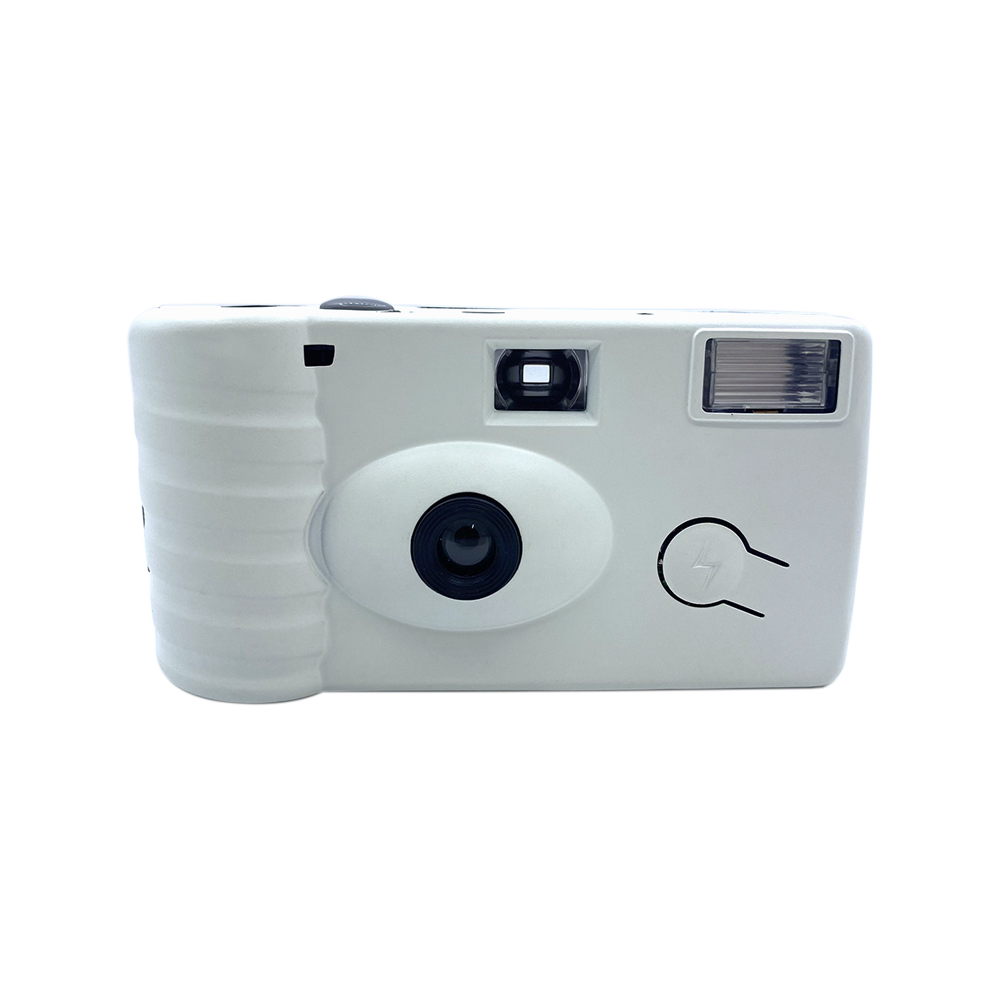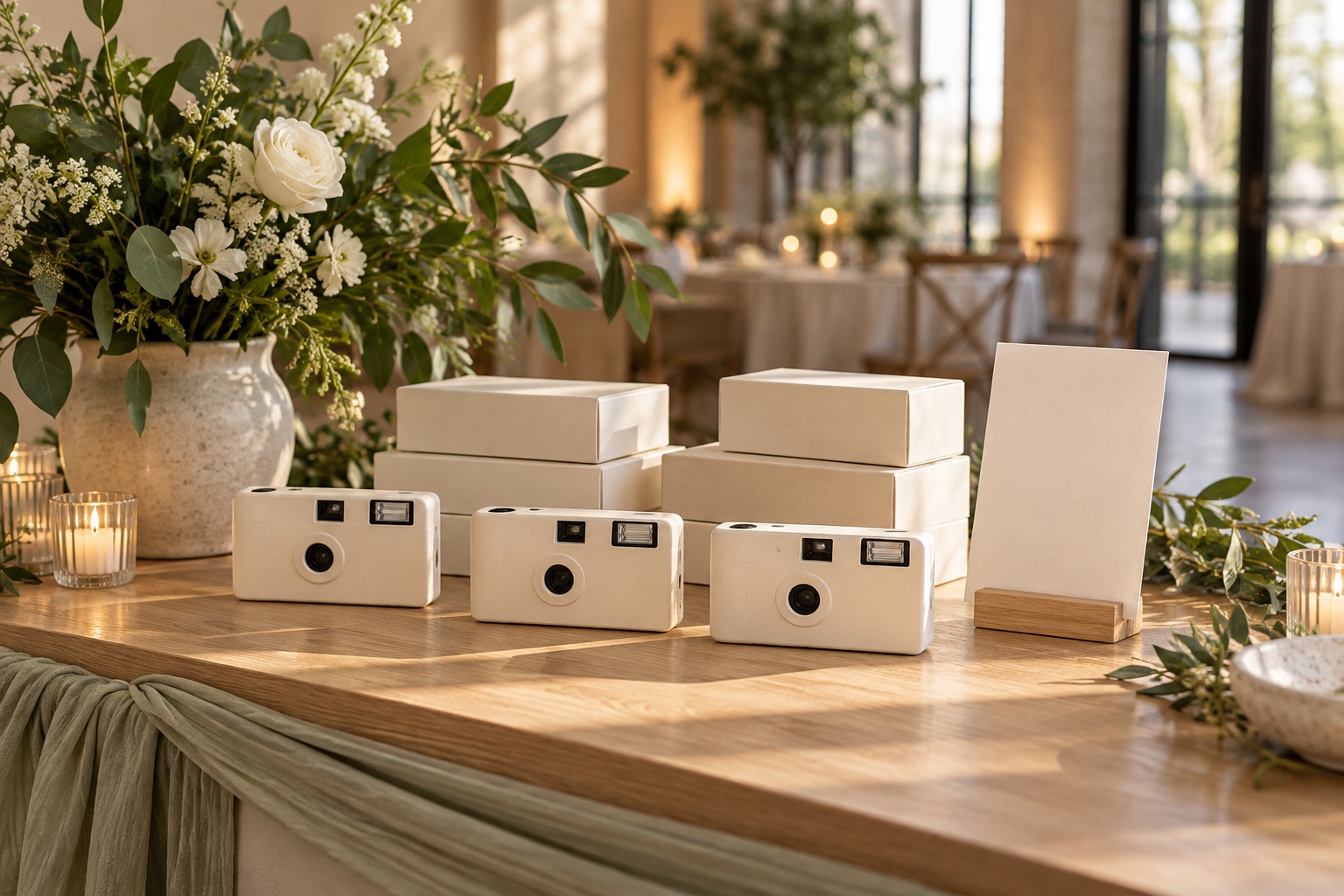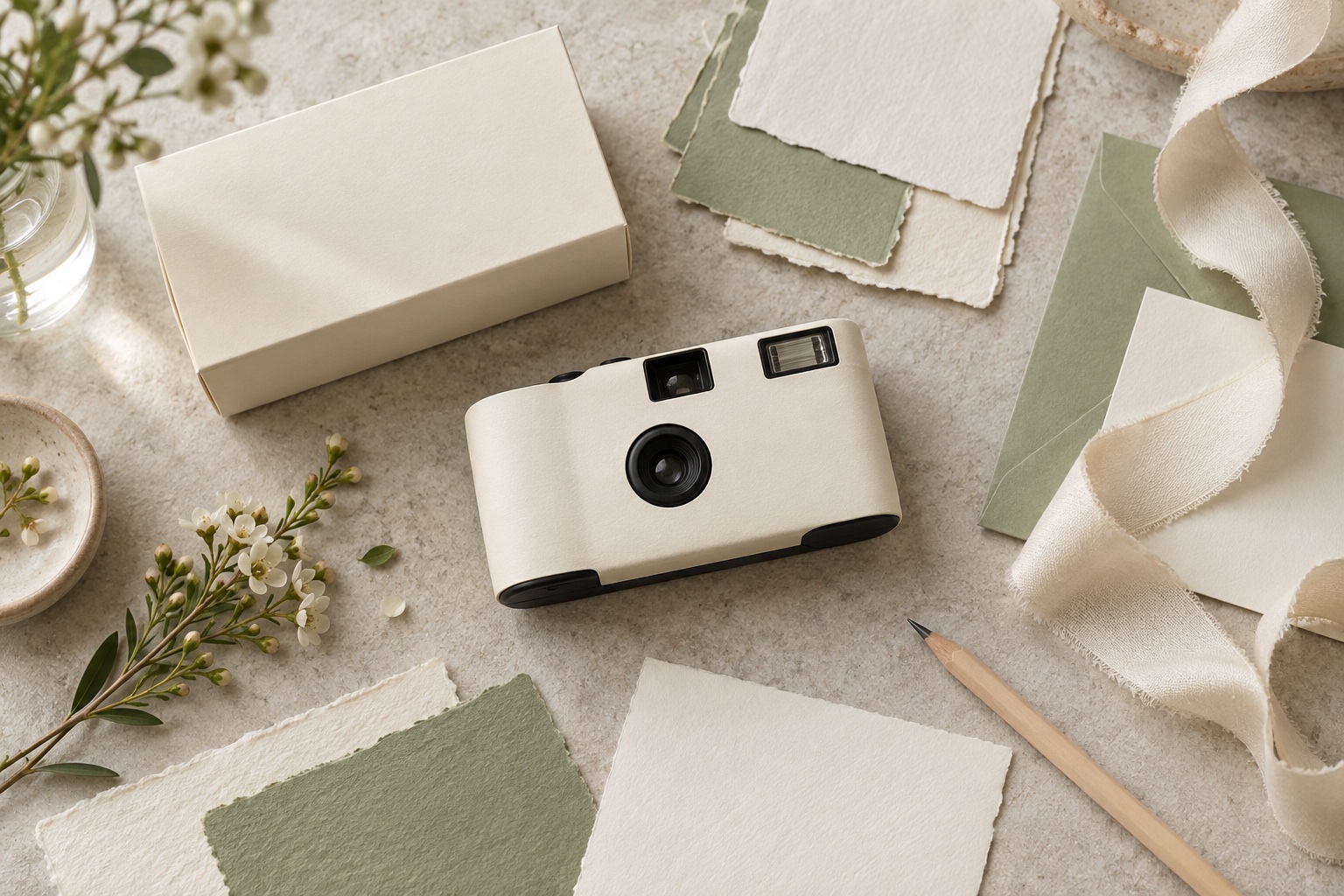
A custom camera can belong to the same visual family as the invitation, place card, and table setting without copying every element. The most useful design brief identifies what guests should recognize: the couple’s names, a color palette, a small motif, or a particular type style.
Start with those few decisions before building a complex wrap. The artwork must work on the selected camera, and the camera must remain easy for guests to use.
Translate the mood board into a short brief
Choose one main color direction, a supporting neutral, and a simple visual element. Tell the designer whether the camera should blend into the table setting or stand out so guests notice it.
The following are styling concepts, not photographs of customer projects or confirmed print specifications:
- A garden reception could use soft green artwork, a small botanical motif, and cream packaging.
- A modern city wedding could use restrained typography and a strong contrast between names and background.
- A colorful celebration could repeat one accent from the stationery rather than placing the entire invitation design on the camera.
Share a mood board you have permission to use, plus the exact wording. Identify who owns the design and who will provide final approval.
Choose the customization surfaces
Camera body stickers, logo printing, body colors, and packaging are separate choices. Confirm which are available for your selected camera and quantity before treating a mockup as a production specification.
For example, a printed green wrap and a green camera body are different requests. If matching the physical camera color matters, write that into the brief and ask how it can be checked.
The customization planning guide explains the available areas to discuss. Use it to select the scope, then request the applicable artwork layout for the proposed configuration.
Design at the camera’s real size
A camera has a small, interrupted surface. Keep important wording away from folds, edges, and openings, using the supplier’s confirmed template. Do not infer print dimensions from a product photograph.
Prioritize readable names and a short date line. Avoid putting an essential instruction in tiny decorative text. Check the lens, viewfinder, flash, film advance, shutter, and any other controls shown on the actual configuration so the design does not obscure them.
A full-size paper proof can help evaluate hierarchy and wording. It does not replace confirmation of how the selected material, print process, and camera surface will look together.
Let packaging and instructions do different jobs
The packaging can carry a fuller design story, while the camera stays simple. If cameras will be unboxed before guests arrive, ensure the camera itself still identifies the occasion.
Put the practical instructions where guests will see them during use. A small table card can explain how to operate the agreed model and where to return it. If the box is discarded before the reception, instructions printed only on that box may never reach the guest.
Keep the operation wording tied to the actual camera rather than copying instructions for another model. Plan the card alongside your placement and collection arrangements.
Approve the complete design together
Check names, dates, spelling, artwork version, and packaging as one set. Ask what can be evaluated digitally and what needs a physical custom sample. Screens and print materials can show colors differently, so agree what the approval will cover.
If the same planner handles several weddings, give each design its own reference. Reusing an approved layout does not mean the names or dates are automatically updated. Follow the sample and artwork approval checklist before confirming production.
Hayamou can assist with design. Share the quantity, event date, destination, and customization scope so the proposed work, sample arrangements, and delivery schedule can be confirmed in your quote.