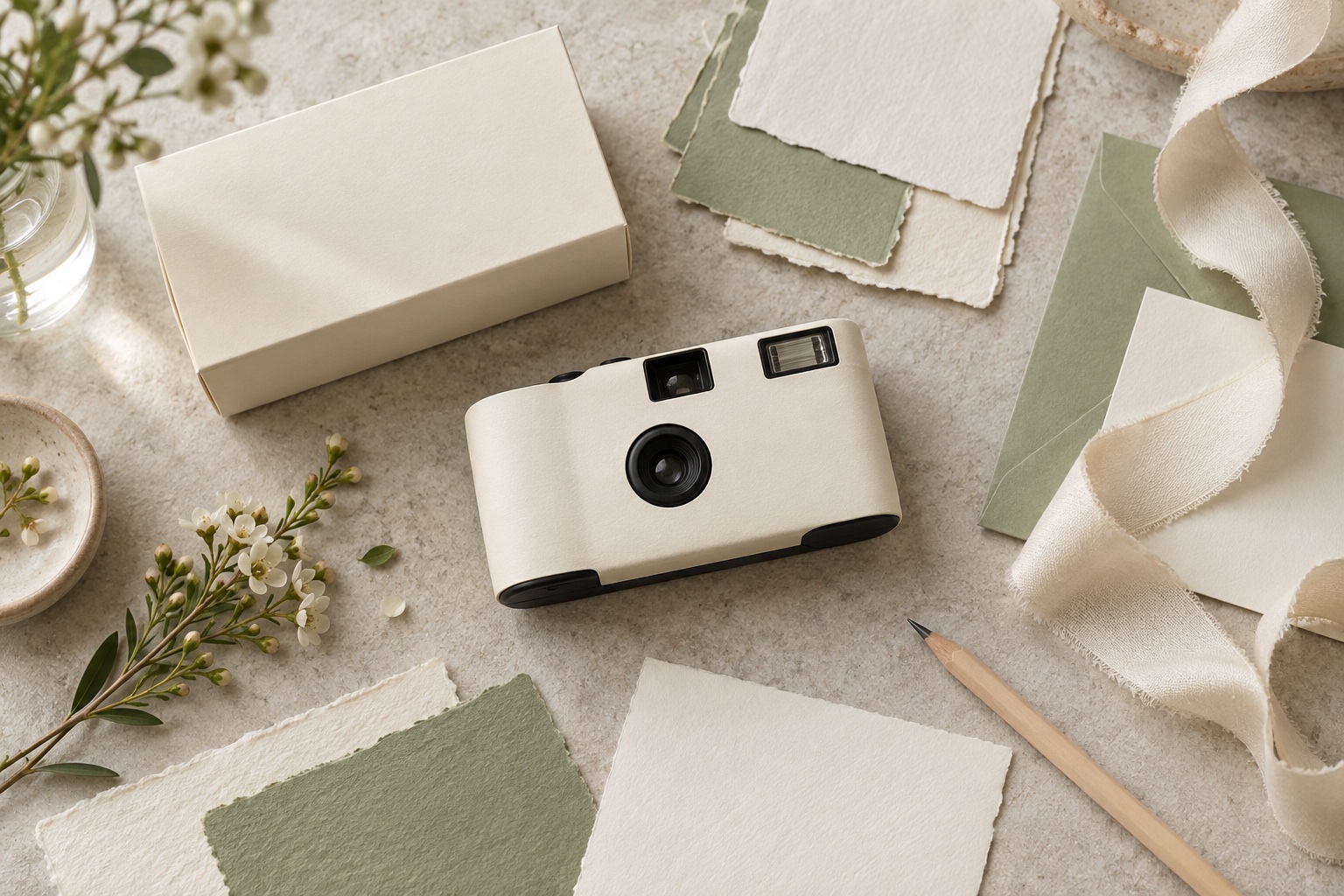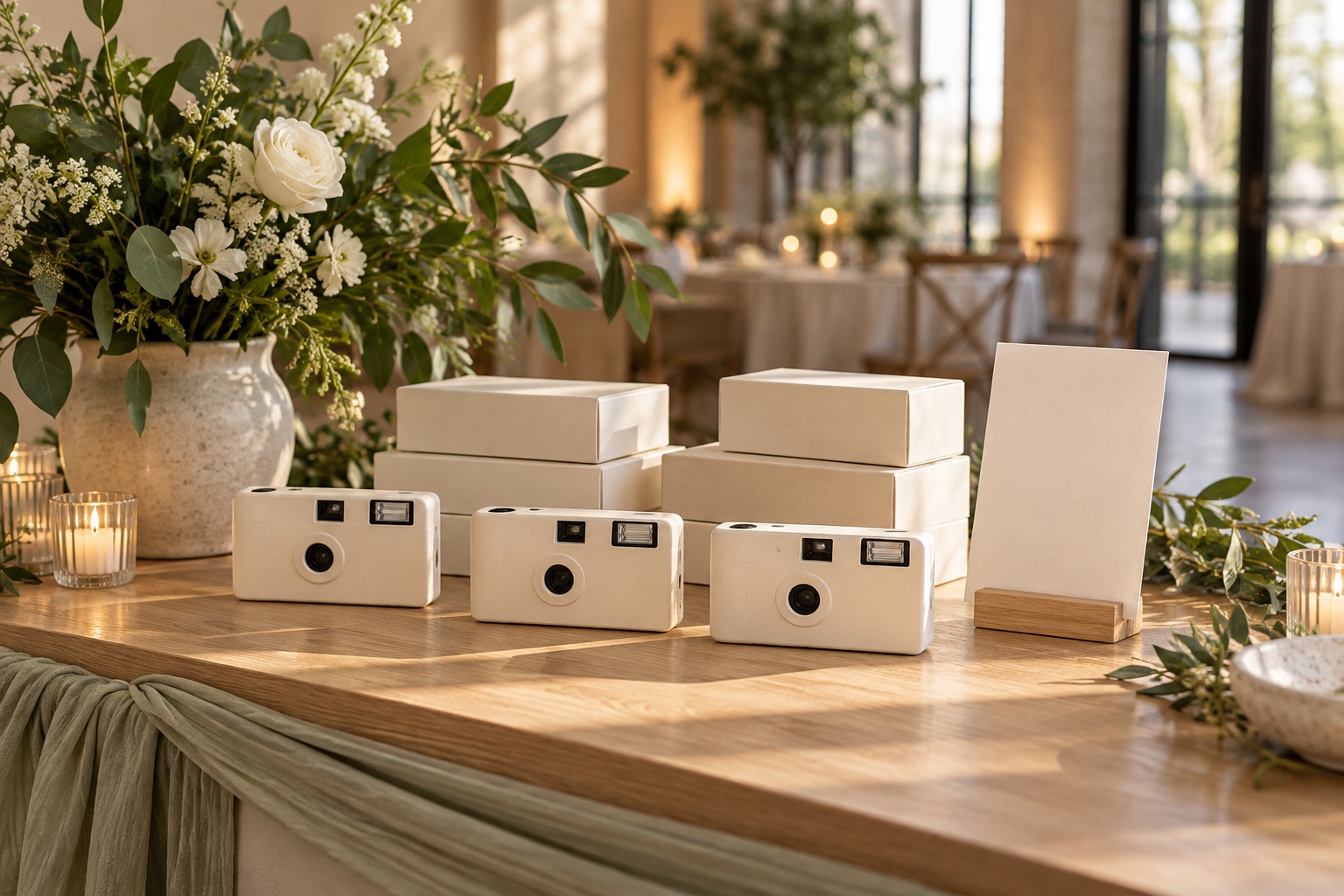
A sample is most useful when everyone knows why it is being ordered. A planner assessing a camera’s operation needs a different review from a designer checking a couple’s names and print placement.
Before requesting a sample, list the decisions it should support. Record anything that will differ from the final order, including film, artwork, body color, or packaging. This prevents a useful reference from being mistaken for approval of something it never represented.
Choose the sample that answers your question
Hayamou supports existing product samples and paid custom samples. Availability, scope, costs, and timing are confirmed individually.
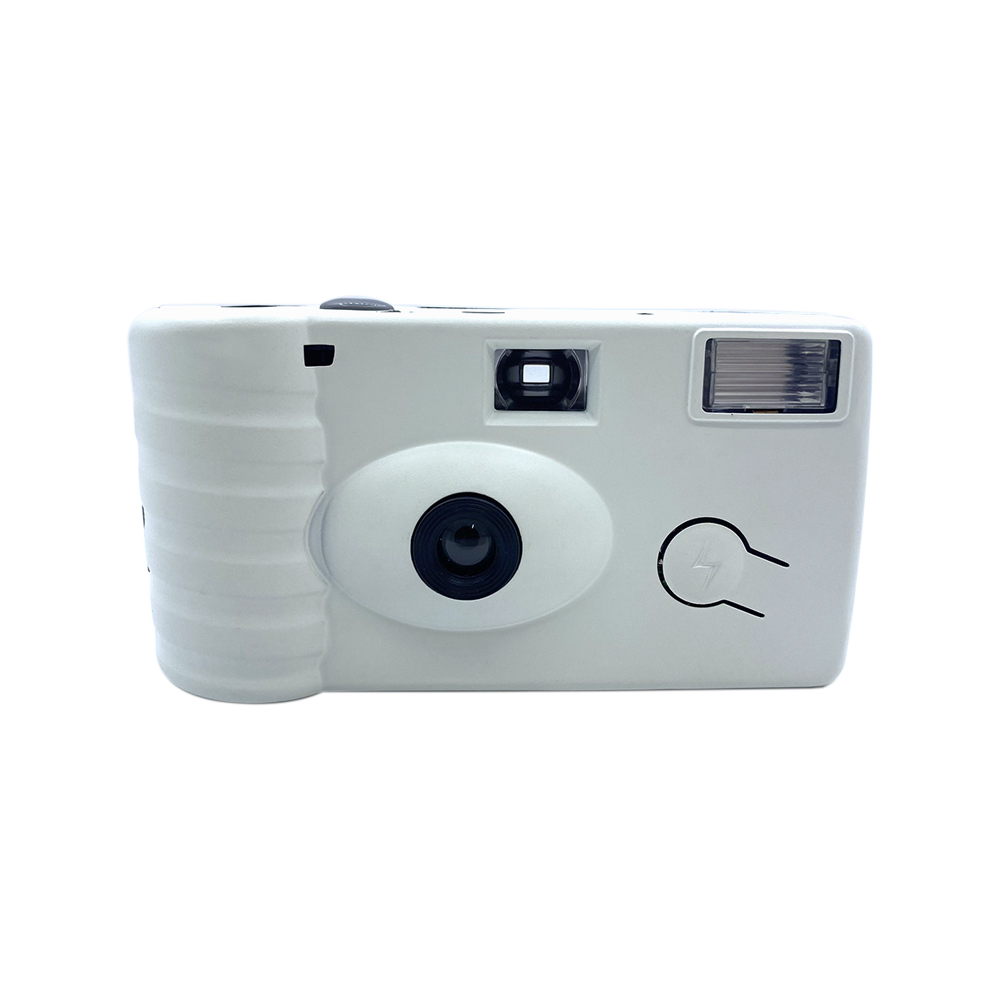
An existing product sample can help you review the proposed camera and handling. Confirm whether its configuration matches the one in your quotation. Its existing finish or packaging may only be a reference.
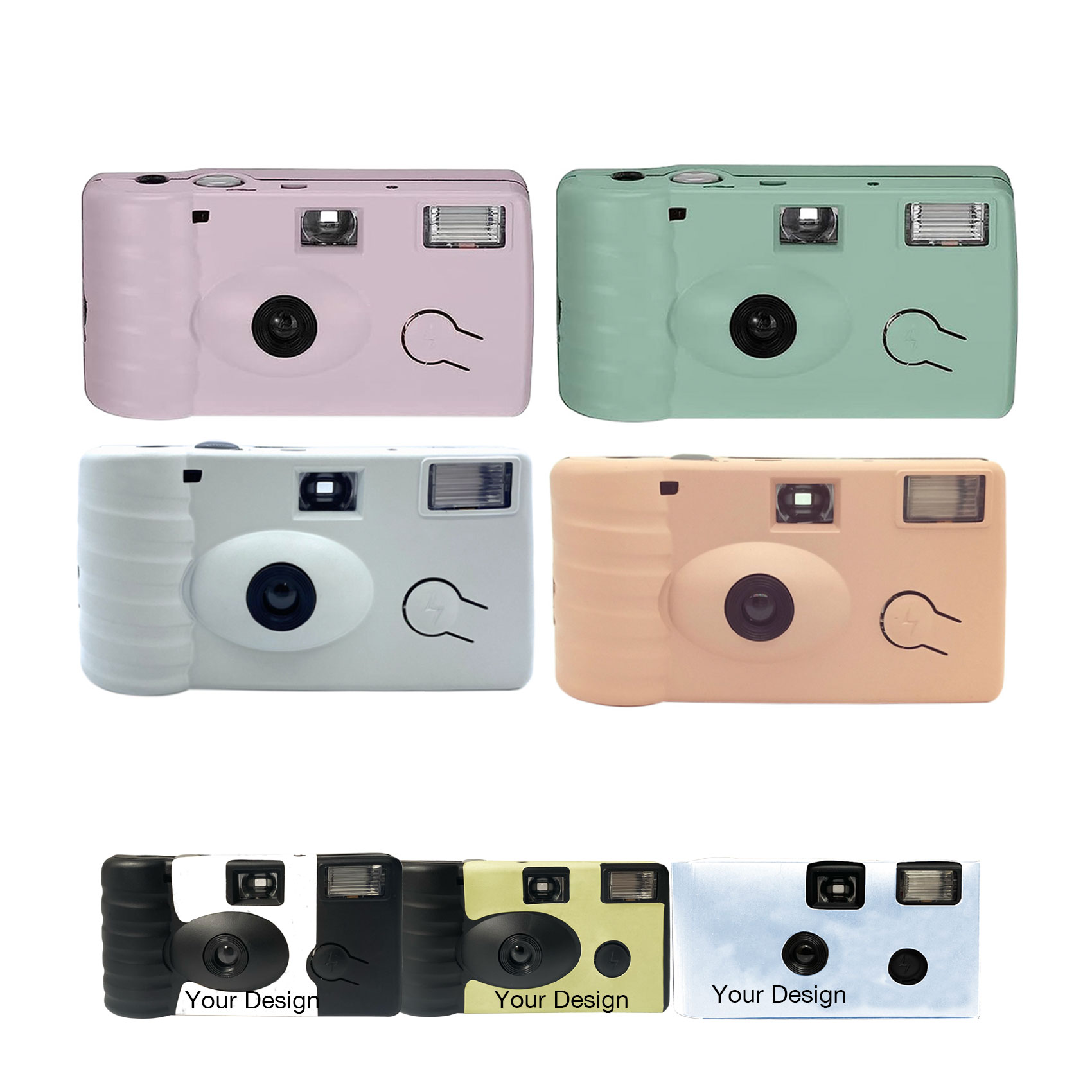
A custom sample can help review the requested design, subject to the agreed scope. Ask which surfaces and materials it includes, whether packaging is included, and what differences remain before production.
A digital artwork proof is a design review rather than a physical sample. It can show wording and intended placement, but does not establish the feel or exact printed appearance of the finished object.
Check the physical camera and configuration
Match the sample to the specification reference: camera type, flash, film and exposure options, and included items. Keep that reference with the review notes.
If you want to assess photographs, agree a separate test plan. Use the sample’s actual operating instructions and conditions relevant to the event. Arrange developing and scanning with a local lab, and allow for that lab’s own costs and turnaround. Hayamou does not provide developing or scanning.
A visual inspection and a photographic test answer different questions. Neither should be described as completed if the team has only reviewed the other.
Review artwork as a complete set
Check the camera and packaging together. A correct name on the box does not resolve an incorrect name on the camera wrap.
| Review area | Questions to resolve |
|---|---|
| Wording | Are names, dates, spelling, and any language versions correct? |
| Placement | Is the design aligned to the agreed template and printable areas? |
| Operation | Are the lens, flash, viewfinder, and controls clear? |
| Readability | Can important wording be read at the actual size? |
| Color and finish | What reference or sample is being approved? |
| Packaging | Does it match the event, wording, and quoted scope? |
Send consolidated feedback with marked references. Separate required corrections from optional preferences so the next proof can be checked against a clear list.
Record who approved what
Use a versioned file name and keep a dated approval record. Identify the person authorized to approve the design, the product configuration, the quantity per design, and any outstanding points.
For a multi-event order, maintain a separate row or folder for each couple or event. Do not approve several versions through an informal statement such as “all looks good” when individual names or dates have changed.
If a revision is made after approval, ask whether another proof or sample is needed and whether it changes costs or the proposed schedule. Confirm this before assuming the original arrangements still apply.
Keep repeat orders easy to identify
Hayamou supports repeat orders using approved designs, with the new quantity and delivery requirements confirmed again. Keep the previous artwork reference and list exactly what should remain the same or change.
For proposed phased delivery, connect each batch to its design version, quantity, destination, and required arrival date. These arrangements need agreement for the new order.
Our bulk wedding camera ordering checklist helps organize this information. If you are still choosing the design direction, start with matching cameras to a wedding theme, then include the sample questions in your inquiry.