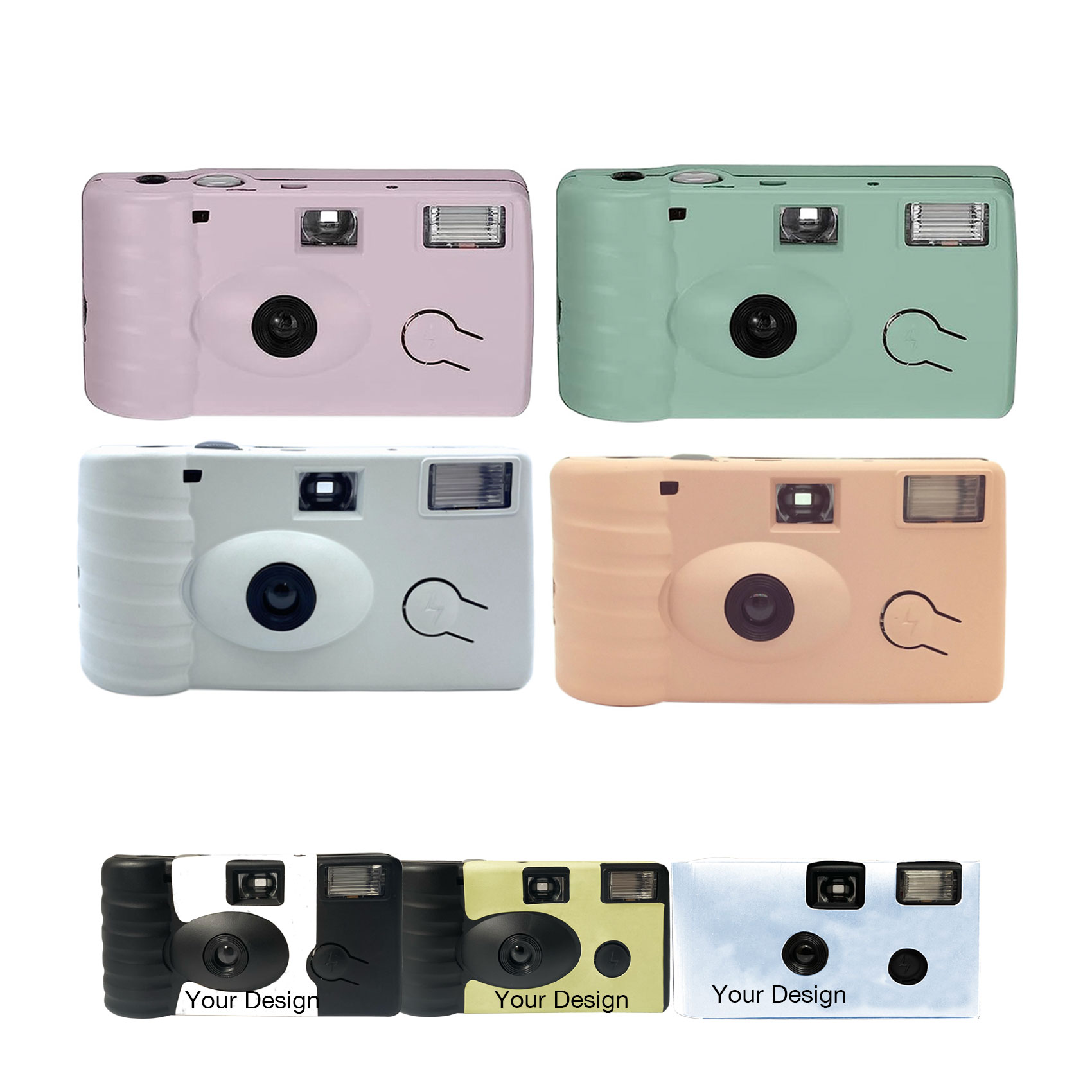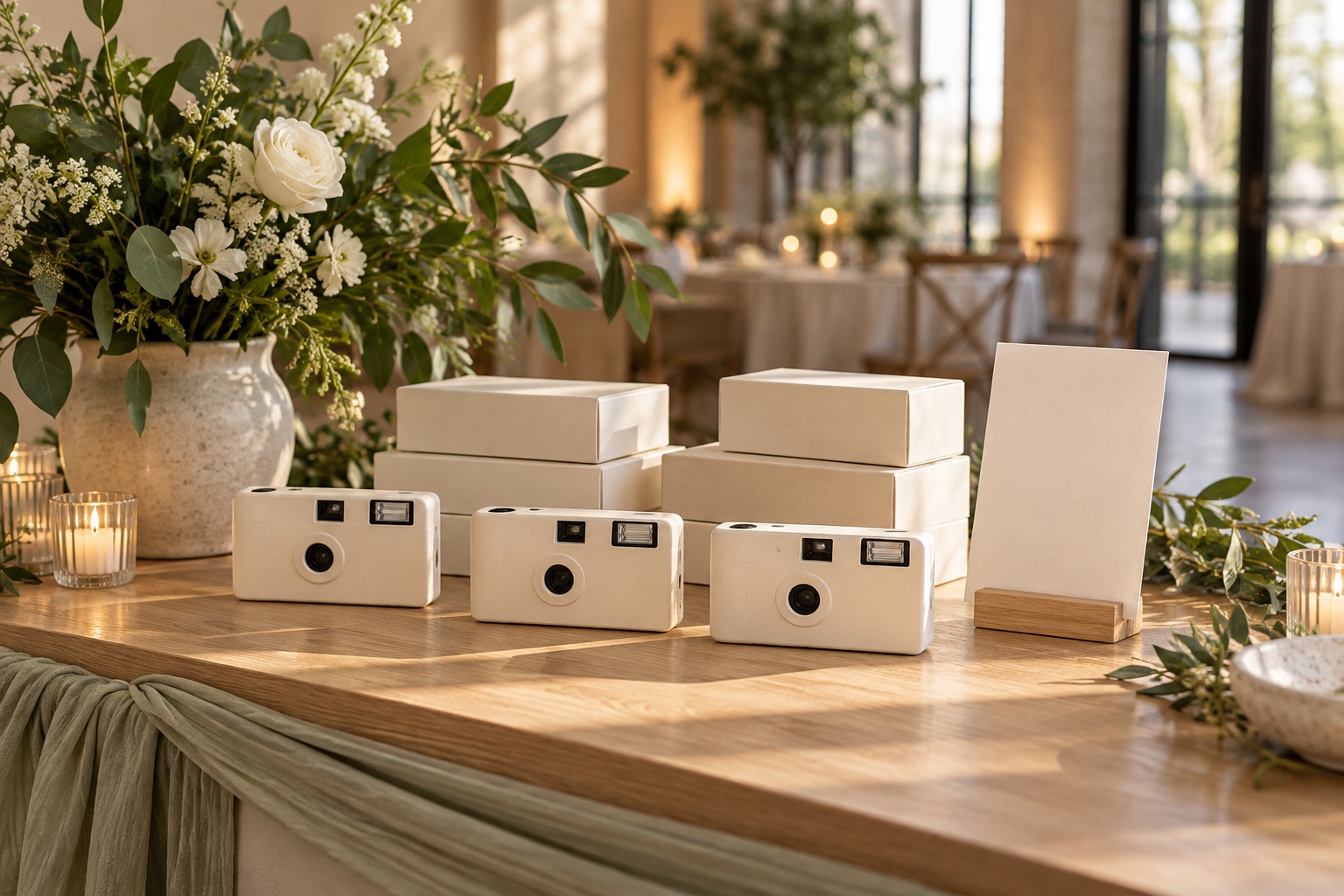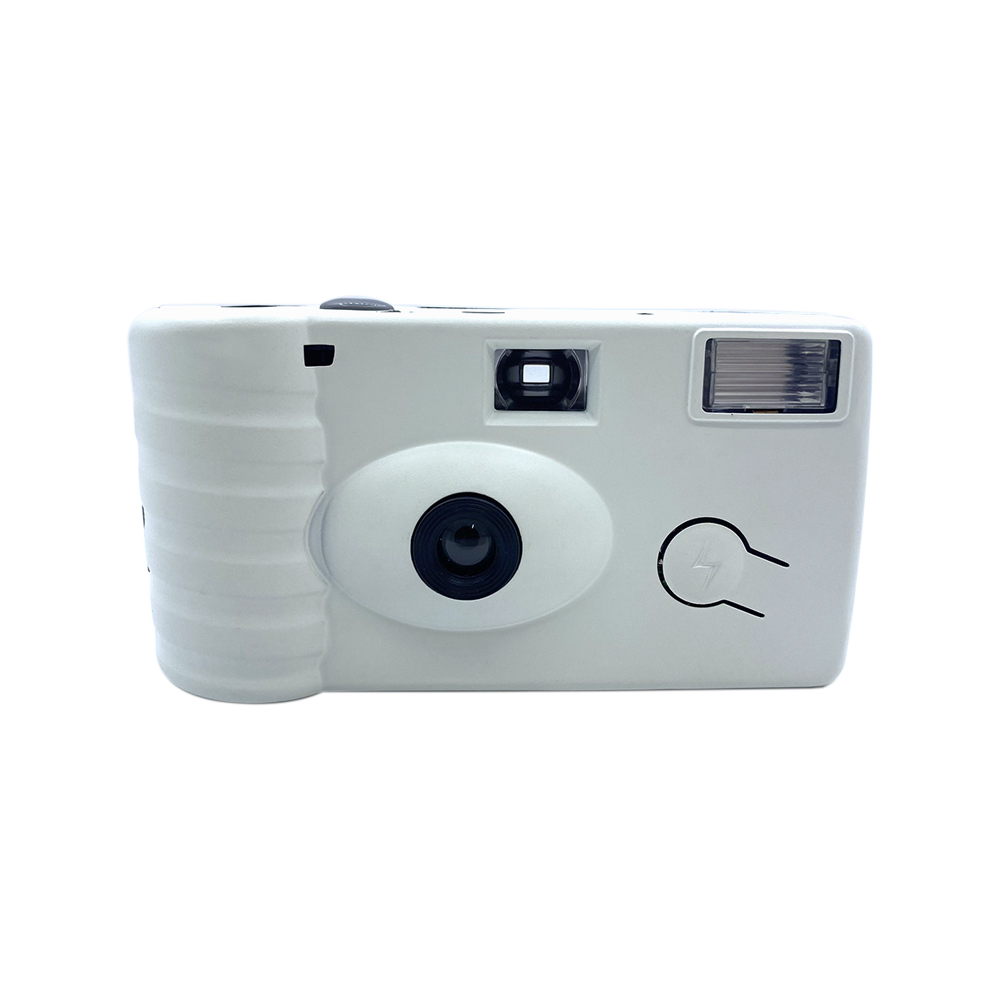
A useful wedding camera quantity starts with an operational decision: will guests share cameras at their tables, pick them up at a camera station, or receive one to take home? Each approach creates a different order, even when the guest count stays the same.
For a planner, the goal is to connect the purchasing quantity to the floor plan and the team running the event. The method below is a planning framework, not a minimum order or a guarantee that every exposure will be used.
Choose how guests will access the cameras
Shared table cameras are easy to include in the reception setup. Count the tables that will actually receive cameras, including any separate lounge or family areas you want to cover. Agree whether a camera stays with a table or travels with guests.
A shared camera station gives the team a central place to explain the cameras and collect them. Decide how many cameras will be available together, who replenishes the station, and whether those cameras are additional to the table allocation.
Individual gifts follow a different rule. Count the intended recipients or households and confirm whether the cameras leave the venue with them. A take-home gift cannot also be counted as a camera the planner will collect for the couple.
Turn the floor plan into a quantity
Use this simple starting point:
Total cameras = table allocation + additional station cameras + take-home gifts + reserve.
Avoid counting the same camera twice. If the station only stores cameras that staff will later distribute to tables, those cameras belong in the table allocation, not an extra station quantity.
Here is an illustrative plan, not a recommended quantity for every wedding:
| Allocation | Assumption | Cameras |
|---|---|---|
| Reception tables | 12 tables × 2 cameras | 24 |
| Separate welcome station | 4 additional cameras | 4 |
| Reserve | 2 held by the coordinator | 2 |
| Total | No take-home gifts in this example | 30 |
The couple and planner could choose fewer cameras per table, remove the station, or allocate cameras to only part of the reception. Record that choice before comparing quotes.
Consider exposures and participation separately
A camera’s exposure count is its available number of shots, not a promise of the number of usable photographs. Guest participation, lighting, camera handling, and film processing all affect the final result.
For example, 24 cameras with 27 exposures would provide 648 available exposures. That calculation helps describe capacity; it does not mean the wedding will produce 648 successful images. Confirm the film and exposure options offered for your actual order in the quotation.
Think about how guests will encounter the cameras. A short introduction and a clear invitation to pass a shared camera around can matter more than simply increasing the order quantity.
Decide who receives the finished images
If cameras are being collected for the couple, assign someone to gather them and arrange local developing and scanning. Include that work in the event plan rather than leaving it for the venue cleanup team.
If cameras are gifts, tell recipients who should develop the film and whether sharing scans is optional. Hayamou supplies cameras; developing and scanning are not included. The chosen local lab should confirm its own services, costs, and turnaround.
For a complete on-the-day plan, read our wedding camera placement, prompts and collection notes.
Prepare quantities for a supplier inquiry
Send the total quantity together with the number required for each design. A combined order for several weddings should identify each event separately: design reference, quantity, event date, destination, and any proposed delivery batch.
Keep the event date and required arrival date distinct. Neither a quantity estimate nor an online article confirms production or delivery availability. At Hayamou, pricing, minimum quantities, and schedules are confirmed for your requirements.
Use the bulk ordering checklist to organize the inquiry, or review our wedding and event camera options before choosing the configuration.